
How to Set Up Your First AI Workflow in Under an Hour
You don't need a dedicated IT department, a large budget, or months of planning to start benefiting from AI. Most nonprofits can have a fully functional AI workflow running today, one that actually saves time and gets used consistently, by following a structured four-phase approach that takes less than an hour from start to finish.
The biggest barrier to nonprofit AI adoption isn't cost, complexity, or fear of the technology. It's the feeling of not knowing where to begin. AI tools have proliferated so rapidly that many nonprofit leaders find themselves overwhelmed by choice, unsure which tool to try first, and reluctant to invest time in something that might not stick.
The good news is that a successful first AI workflow doesn't need to be ambitious. It needs to be repeatable. The organizations that build lasting AI capacity don't start by automating their entire fundraising operation or deploying a sophisticated donor analytics platform. They start with one defined task, one reliable tool, and one human review step, and they do it consistently until it becomes second nature.
This guide walks you through exactly that process. We'll help you select the right workflow for your organization's current needs, set up the tool in minutes, run your first real test, and establish the human oversight step that makes AI both effective and trustworthy. By the end, you'll have a functioning AI workflow, not just a login screen.
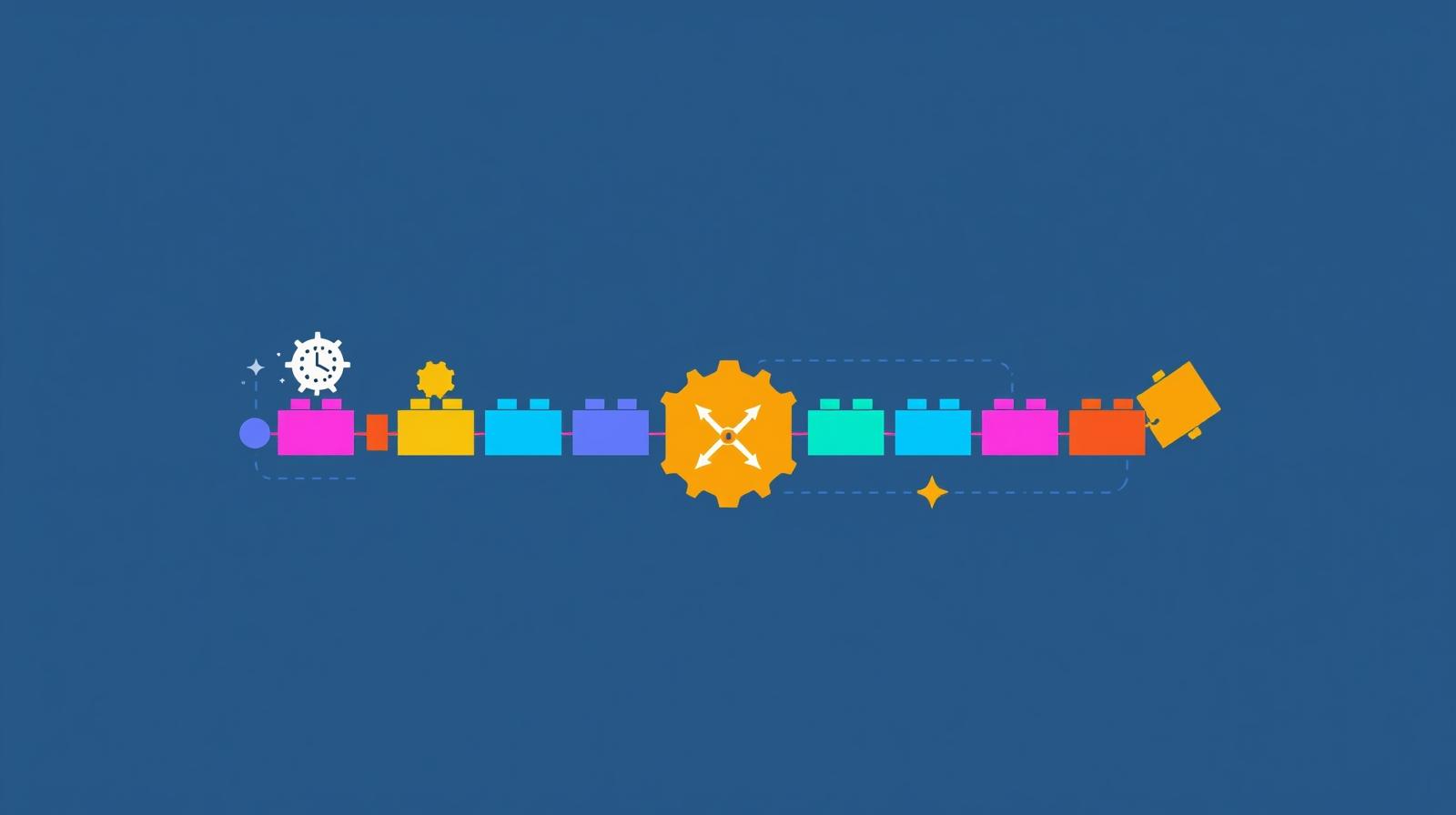
Before diving in, it's worth understanding what a "completed" workflow actually looks like. It has a trigger (a specific event that starts the process), an AI task (what the tool does automatically), an output (something usable), a human review gate (a person checks before it goes out), and a delivery step (the output reaches its destination). That five-part structure is what separates an AI experiment from an AI workflow. Keep it in mind as you build yours.
Why Starting Small Is the Right Strategy
There's a tempting urge to think big when adopting AI. If AI can help with donor thank-you letters, why not also use it for grant writing, social media, program reports, and board meeting prep, all at once? The problem is that jumping to multiple tools simultaneously is one of the most common reasons AI adoption stalls at nonprofits.
Each tool has a learning curve, not just technically, but organizationally. Your team needs to develop habits around when to use AI, how to prompt it effectively, and how to evaluate its outputs. These skills take time to build, and they build most reliably through repetition with a single workflow rather than scattered experimentation across many tools.
There's also the question of trust. Staff members who are skeptical of AI, and many are, are far more likely to adopt a tool that demonstrably saves them time on something they already do than to embrace a broad AI overhaul they didn't ask for. Starting with one workflow that directly benefits the people using it is the most effective change management strategy available.
Faster Results
One workflow done well produces visible results in days, not months. Early wins build the organizational confidence to expand AI use gradually.
Better Buy-In
Staff who experience AI saving their own time become champions for broader adoption. One person's success story is more persuasive than any top-down mandate.
Clearer ROI
Measuring the impact of one well-defined workflow is straightforward. You'll know exactly how much time you're saving and whether the quality of output meets your standards.
Choosing Your First Workflow
Not all AI workflows are equally good starting points. The best first workflow is one that is low-stakes (mistakes won't damage donor or client relationships), high-frequency (you'll use it enough to develop real habits), and immediately time-saving (the benefit is obvious after the first use). These three criteria point to a handful of clear options for most nonprofits.
Meeting Summaries (Best for First-Timers)
Low-risk, high-frequency, and delivers instant value to everyone in the room
Automated meeting summaries are the single most recommended starting point for nonprofits exploring AI. Tools like Otter.ai (free tier includes 600 minutes per month) join your Zoom, Google Meet, or Teams calls automatically, transcribe the conversation, and generate a structured summary with decisions made and action items identified. The output lands in participants' inboxes before people have even closed their laptops.
This workflow excels as a starting point because it raises no data security concerns (you're not uploading donor information), it benefits staff directly (nobody enjoys taking manual notes), and it creates an immediate, tangible demonstration of AI's value. Once staff experience the relief of never having to write up meeting notes again, their openness to other AI applications tends to increase significantly.
Donor Thank-You Letters
High volume, time-consuming to personalize, and well-suited to AI assistance
For development teams, drafting personalized donor acknowledgments is one of the most time-consuming and repetitive tasks they face. Using Claude or ChatGPT to draft thank-you letters reduces production time from 15-20 minutes per letter to 3-5 minutes, while actually improving personalization because the AI can incorporate specific details about the gift amount, program area, and relationship history that staff provide in the prompt.
This workflow requires a human review step before anything goes out, which builds the habit of treating AI as a collaborator rather than a fully autonomous tool. That habit is foundational to responsible AI use across all future applications. See our guide on getting started with AI as a nonprofit leader for more on building this mindset.
Email Drafting and Triage
Useful for any role, immediately reduces inbox overwhelm
If your organization uses Google Workspace, Gmail's built-in AI features can draft replies to common inquiries in seconds. For more sophisticated drafting, pasting an incoming email into Claude with a short instruction ("draft a professional reply that acknowledges their question and schedules a call") produces a ready-to-edit response that cuts drafting time dramatically.
This is especially useful for executive directors and program managers who manage high-volume inboxes with a wide variety of inquiry types. The key rule: always review drafts before sending, particularly for any external communication with donors, funders, or community partners.
The Four-Phase Setup: Under an Hour Total
Once you've selected your first workflow, the setup follows a consistent four-phase structure. Each phase takes roughly 15 minutes. You don't need to complete all four in one sitting, but doing so gives you a fully functioning workflow by the end of the session.
Phase 1: Choose and Sign Up (15 minutes)
Select one tool and create an account. For meeting summaries, start with Otter.ai (free, works with Zoom and Google Meet). For writing tasks, start with Claude.ai or ChatGPT (both have free tiers). Resist the urge to sign up for multiple tools simultaneously, and don't start comparing features yet. Pick the one that maps most directly to your chosen workflow and complete the account setup.
- Meeting summaries: Otter.ai (free), Fireflies.ai, or Fathom
- Writing tasks: Claude.ai (best for long documents and grant writing) or ChatGPT (best for high volume content variations)
- Google Workspace users: try Gemini, which is already integrated into Gmail and Docs
Phase 2: Build Your Organization Context (15 minutes)
For writing tools, this phase is the most important investment you'll make. Write a short "organization context prompt" that tells the AI who you are and how you communicate. Save this as a document you paste at the start of every new AI session. A good context prompt takes 10-15 minutes to write and pays dividends every time you use it.
Example Organization Context Prompt
"We are [Organization Name], a nonprofit in [City] that provides [brief mission description]. Our primary audiences are [donors/volunteers/community members]. Our communication tone is [warm and accessible / professional and data-driven / conversational and community-centered]. We never use jargon, we avoid overly formal language, and we always connect what we're doing back to the people we serve. Our programs include [list key programs]. Our target donor is [describe typical donor]."
For meeting tools like Otter.ai, use this phase to connect the tool to your calendar (Settings, then Calendar Integration) so it joins meetings automatically rather than requiring a manual start each time.
Phase 3: Run Your First Real Test (15 minutes)
Use a real task, not a made-up one. For a writing workflow, paste your organization context prompt, then provide the actual details of something you need to write today. For a meeting tool, activate it in your next scheduled meeting. The goal is to get a real output that you can evaluate against your actual standards.
When you review the output, pay attention to three things: accuracy (are all the facts correct?), tone (does this sound like your organization?), and completeness (is anything missing?). Most first outputs will need adjustment. That's expected. Note what's off and refine your prompt accordingly before the next use.
The most important thing to avoid at this stage is accepting an output and using it without review. Even the best AI tools produce errors, and a thank-you letter with a wrong donation amount or a meeting summary with an incorrectly attributed decision does more harm than good. The human review step isn't optional.
Phase 4: Document Your Human Review Step (15 minutes)
This phase converts a one-time test into a repeatable workflow. Write down, in one page or less, the workflow steps and who is responsible for reviewing AI outputs before they are used. This doesn't need to be a formal policy document. A simple checklist works perfectly.
- Check that all facts (names, amounts, dates, program names) are correct
- Verify the tone matches your organization's voice
- Remove any statistics or claims you cannot verify
- Add any personal touches or specific context the AI couldn't know
- Confirm the output is appropriate to send before it leaves the organization
Name a specific person (or role) as the reviewer for each workflow. Diffuse responsibility, where "anyone can review it," tends to mean nobody reviews it consistently. Clear ownership is what makes the workflow reliable.
Choosing the Right Tool for Your Workflow
The AI landscape for nonprofits has matured considerably. Rather than one tool that does everything adequately, there are now clear leaders for specific use cases. Understanding which tool excels at which task helps you make a confident choice without getting stuck in feature comparison paralysis.
Claude (Anthropic)
Best for: Grant writing, long documents, narrative writing
Claude's 200,000-token context window means it can process entire grant RFPs alongside your organizational documents without losing track of what it's read. Its writing style is more naturally human and nuanced than most competitors, making it particularly effective for the kind of warm, mission-driven prose that resonates with donors and funders.
- Free tier available; Pro plan at $20/month
- Excellent for donor communications, board reports, grant proposals
- Anthropic offers a free AI Fluency for Nonprofits course
ChatGPT (OpenAI)
Best for: Brainstorming, high-volume content, integrations
ChatGPT's broad plugin ecosystem and connection to tools like Zapier, Google Sheets, and most major CRM platforms make it the best choice for organizations that want to connect AI to their existing systems. It's also excellent for generating many variations of the same content quickly, useful for social media calendars and A/B testing email subject lines.
- Free tier available; Plus plan at $20/month
- Nonprofit discounts available through TechSoup
- Strong for data analysis with uploaded spreadsheets
Gemini (Google)
Best for: Google Workspace teams, email management
If your organization runs on Google Workspace, Gemini is the most frictionless entry point into AI. It's built directly into Gmail, Docs, Sheets, and Drive, meaning staff don't have to switch to a separate tool. Google for Nonprofits provides free Workspace access, and qualifying organizations can access Gemini features at reduced or no cost.
- Natively integrated into Google apps
- Great for summarizing email threads and drafting replies
- Accessible to nonprofits already on Google Workspace
Otter.ai / Fireflies.ai
Best for: Meeting summaries and action item tracking
For the meeting summary workflow, purpose-built transcription tools outperform general AI assistants. Otter.ai's free tier includes 600 minutes of transcription per month and integrates with Zoom, Google Meet, and Microsoft Teams. Fireflies.ai offers similar functionality with stronger project management integrations. Both tools can automatically email summaries to meeting participants.
- Otter.ai free tier: 600 minutes/month
- Joins meetings automatically when calendar-connected
- Can push action items to Asana, Trello, or Slack via Zapier
Common Mistakes to Avoid
Most obstacles to successful AI adoption are predictable. Understanding where other nonprofits have stumbled helps you sidestep the same traps and build a more durable workflow from the start.
Uploading Sensitive Data to Free Tools
Never upload complete donor lists, client records, or other personally identifiable information to free consumer AI tools. Many free tools use submitted inputs to improve their models. Use anonymized data for any analysis tasks, and verify that your chosen tool does not use your inputs for training before sharing anything sensitive. For donor communications, provide the AI with general context rather than bulk record exports.
Skipping Human Review
AI tools produce errors, sometimes confidently. A donor thank-you letter with an incorrect gift amount, a meeting summary that misattributes a decision, or a grant proposal section that contradicts your organization's stated approach can create real problems. The human review step isn't a bureaucratic formality; it's the safeguard that makes AI use responsible. Build it into the workflow before you deploy, not after something goes wrong.
Starting Multiple Tools Simultaneously
Signing up for five AI tools at once is one of the most reliable ways to end up using none of them consistently. Each tool requires time investment to configure, learn, and integrate into daily habits. Master one workflow first, then expand. Organizations that take this disciplined approach build durable AI capacity; those that chase every new tool tend to cycle back to their old processes after initial enthusiasm fades.
Using AI Without a Written Context Prompt
Every new AI session starts fresh with no memory of your organization. Without a context prompt, you'll get generic outputs that don't reflect your voice, mission, or audience. The time you invest in writing a good organization context prompt is recovered within a few uses. Treat it like a template: write it once, refine it as you learn what produces the best results, and paste it at the start of every session.
Getting Staff On Board
Introducing AI to your team works best when it starts with showing, not telling. Rather than announcing a new AI tool and directing staff to use it, introduce it by solving a problem staff already have. The meeting summary workflow is ideal for this because it directly reduces the burden of note-taking, which is universally disliked. When staff experience AI removing a task they already resent, their skepticism tends to soften quickly.
It's also worth acknowledging the fears that some staff may hold openly. Concerns about AI replacing jobs are real and deserve honest responses, not dismissal. The most persuasive answer isn't a corporate talking point about augmentation; it's showing someone concretely how AI is handling the repetitive, low-value parts of their job so they can spend more time on the relationship-building and mission-delivery work that brought them to the nonprofit sector in the first place.
Identify the staff members in your organization who are most naturally curious about technology. Designate them as your AI workflow champions, give them early access to the tool you've selected, and ask them to share their experience with colleagues. Peer-to-peer evidence is far more effective than leadership directives. For a structured approach to building this internal capacity, see our article on building AI champions in your nonprofit.
Address data security concerns proactively before anyone asks. Publish a one-page summary of what AI tools you're using, what data they can and cannot access, and who is responsible for oversight. This kind of transparency builds the organizational trust that makes AI adoption feel safe rather than threatening. You'll find that a clear, honest communication about AI use tends to reduce anxiety far more effectively than silence followed by discovery.
What Comes Next: Expanding Your AI Capacity
Once your first workflow is running reliably, you'll naturally start to see other areas where AI could help. The expansion process follows the same logic as the initial setup: one workflow at a time, with a clear trigger, a defined AI task, human review, and documented steps.
Common Second Workflows
- Social media content calendar creation
- Grant proposal section drafting
- Board report summarization
- Volunteer onboarding communications
- Program feedback survey analysis
Building Organizational Capacity
- Document each new workflow in a shared team guide
- Create a library of your best-performing prompts
- Schedule quarterly AI reviews to assess what's working
- Develop a one-page AI policy as you expand usage
- Measure time saved and output quality regularly
As your workflows multiply, you'll want to think about integrating them. Tools like Zapier and n8n (an open-source alternative) act as the connective tissue between AI tools and your existing systems, routing outputs from one tool into another automatically. A meeting summary that automatically creates Asana tasks, or a new donation that automatically triggers a Claude drafting session, represents the next level of AI workflow sophistication. For deeper guidance on using AI to manage your broader operational systems, see our article on AI for nonprofit knowledge management.
Your First Hour Is the Hardest
The most important thing about your first AI workflow is simply that it exists. An imperfect workflow that runs consistently is worth far more than a perfect system that never gets implemented. The skills you build during setup, prompt crafting, output evaluation, and review discipline, compound over time into an organizational capability that becomes genuinely transformative.
Nonprofits that have built strong AI capacity today did not do so by making a single bold investment. They did it by adding one workflow at a time, learning from each one, and expanding deliberately. Your first hour of setup is the beginning of that process, not the whole journey.
The four phases outlined here, choosing a tool, building your context, running a real test, and documenting your review process, are the foundation of every AI workflow that follows. Get comfortable with them now. They scale with you as your ambitions grow. And if you want to think strategically about where AI fits into your organization's longer-term direction, our guide on incorporating AI into your strategic plan is a useful next read.
Ready to Build Your AI Strategy?
One Hundred Nights helps nonprofits design and implement AI workflows that fit their capacity, values, and mission. From first-workflow setup to organization-wide AI strategy, we meet you where you are.