
Future-Ready Nonprofit Tech Stack: How AI Tools Fit with CRMs, ERPs & More
Nonprofits rely on complex technology ecosystems—CRMs for donor management, ERPs for operations, email platforms for communications, and more. As AI tools become essential, understanding how they integrate with your existing systems is critical for building a cohesive, future-ready tech stack that amplifies your impact.
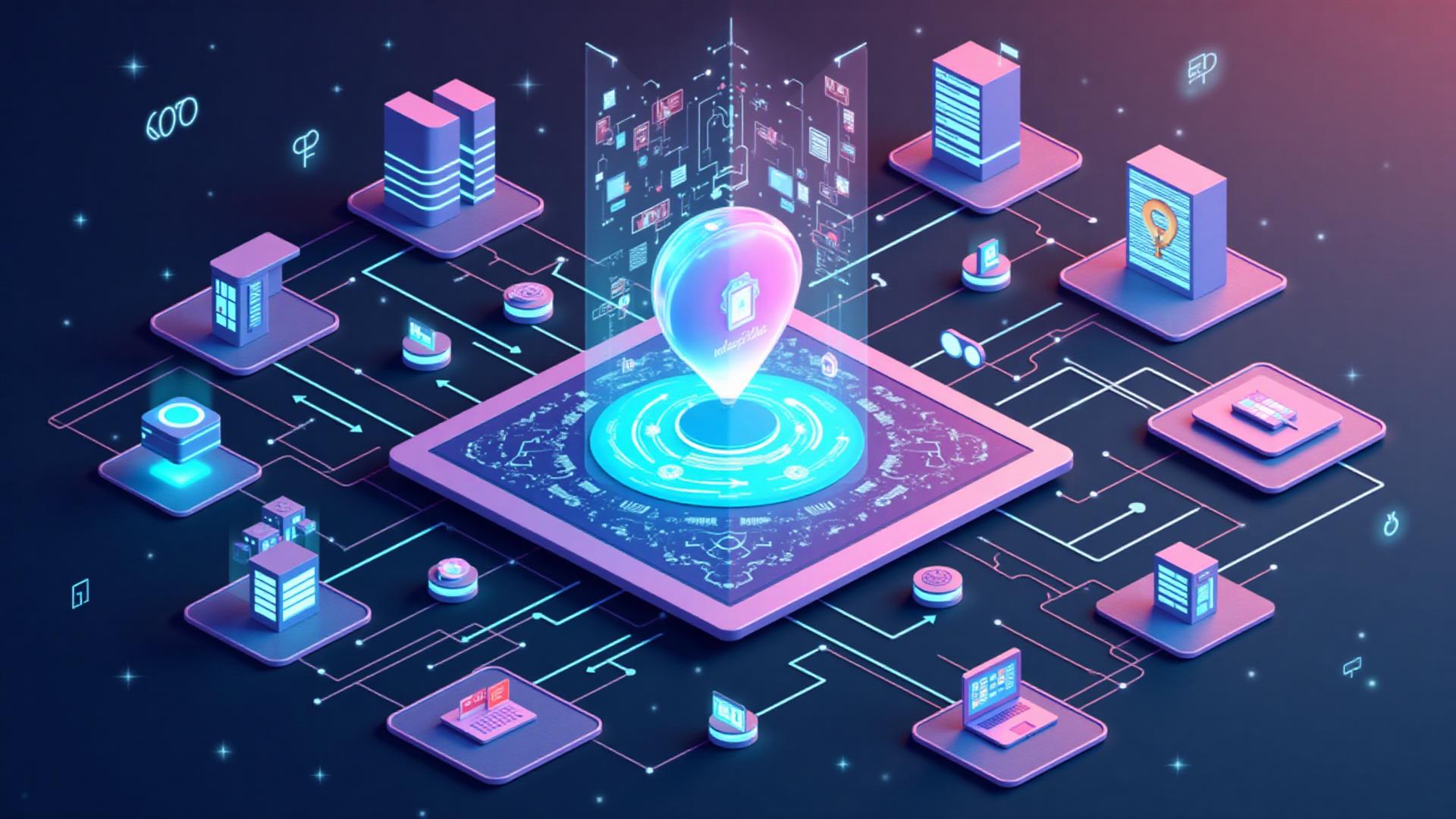
Most nonprofits operate with a complex technology ecosystem: donor management systems (CRMs), enterprise resource planning tools (ERPs), email marketing platforms, accounting software, project management tools, and more. Each system serves a specific purpose, but they often operate in silos, creating inefficiencies and missed opportunities.
AI tools are rapidly becoming essential components of nonprofit operations, but they're most powerful when integrated thoughtfully with existing systems. A future-ready tech stack doesn't just add AI tools—it creates a cohesive ecosystem where AI enhances existing workflows, connects disparate systems, and amplifies the value of your current technology investments. This guide explores how to build such a stack, focusing on how AI tools fit with CRMs, ERPs, and other core nonprofit systems.
Understanding the Nonprofit Tech Stack
Before integrating AI tools, it's important to understand the typical nonprofit technology ecosystem and how different systems work together (or don't). Most nonprofits use several categories of tools:
Donor & Relationship Management
CRMs like Salesforce Nonprofit Cloud, Blackbaud Raiser's Edge, DonorPerfect, and Bloomerang manage donor relationships, track giving history, and support fundraising activities.
- • Donor contact information and giving history
- • Campaign and event management
- • Stewardship and relationship tracking
- • Reporting and analytics
Enterprise Resource Planning (ERP)
ERPs like Blackbaud Financial Edge, Sage Intacct, and QuickBooks manage financial operations, accounting, budgeting, and resource allocation.
- • Financial management and accounting
- • Budgeting and forecasting
- • Grant and fund management
- • Compliance and reporting
Communication & Marketing
Email platforms like Mailchimp, Constant Contact, and SendGrid, plus social media management tools, handle donor communications and marketing.
- • Email campaigns and newsletters
- • Social media management
- • Content creation and distribution
- • Engagement tracking
Program & Project Management
Tools like Asana, Monday.com, and Microsoft Project manage programs, projects, volunteer activities, and service delivery.
- • Program planning and execution
- • Volunteer coordination
- • Impact tracking and reporting
- • Task and deadline management
How AI Tools Enhance Existing Systems
AI tools don't replace existing systems—they enhance them. When integrated thoughtfully, AI can add intelligence, automation, and insights to your current tech stack. Here's how AI tools fit with different system categories:
AI + CRM Systems
AI tools can significantly enhance CRM functionality, adding predictive analytics, automated personalization, and intelligent insights. For more detailed guidance, see our article on using AI in nonprofit CRM.
Key AI enhancements for CRMs:
- Predictive donor analytics: AI can analyze giving patterns, engagement history, and external data to predict donor behavior, identify high-value prospects, and flag at-risk donors before they lapse.
- Automated personalization: AI tools can generate personalized communications, segment donors intelligently, and customize messaging based on giving history, preferences, and behavior patterns.
- Intelligent data entry and cleanup: AI can automate data entry, identify duplicates, standardize formats, and enrich donor records with additional information from public sources.
- Natural language insights: AI can analyze notes, emails, and interactions to extract insights, identify trends, and surface important information that might otherwise be buried in unstructured data.
- Automated workflow triggers: AI can identify when donors need attention, suggest next actions, and trigger automated workflows based on intelligent analysis rather than simple rules.
Integration approaches: Many modern CRMs include built-in AI features (like Salesforce Einstein), while others integrate with AI tools through APIs or automation platforms like Zapier. Some AI tools are designed specifically as CRM add-ons or enhancements.
AI + ERP Systems
AI can transform ERP systems from record-keeping tools into intelligent financial management platforms that provide insights, automate processes, and support better decision-making.
Key AI enhancements for ERPs:
- Intelligent budgeting and forecasting: AI can analyze historical financial data, program outcomes, and external factors to generate more accurate budgets and forecasts, helping nonprofits plan more effectively.
- Automated financial reporting: AI can generate financial reports, identify anomalies, and provide natural language explanations of financial trends and patterns.
- Grant and fund management: AI can help track grant requirements, monitor compliance, and generate reports that match funder specifications automatically.
- Fraud detection and risk management: AI can identify unusual patterns, flag potential fraud, and assess financial risks before they become problems.
- Expense categorization and analysis: AI can automatically categorize expenses, identify cost-saving opportunities, and provide insights into spending patterns across programs and departments.
Integration approaches: ERP systems often integrate with AI tools through APIs, with some vendors offering built-in AI features. Financial AI tools can also work alongside ERPs to provide additional analysis and insights.
AI + Communication Platforms
AI tools can dramatically enhance email marketing, social media, and other communication platforms, enabling personalization at scale and improving engagement.
Key AI enhancements for communication:
- Content generation and optimization: AI can generate email content, social media posts, and other communications, then optimize them for engagement based on audience data.
- Send time optimization: AI can analyze when individual recipients are most likely to engage and schedule messages accordingly, improving open and click rates.
- Subject line and A/B testing: AI can generate multiple subject line options, test them automatically, and learn which approaches work best for different segments.
- Personalization at scale: AI can create highly personalized messages for large audiences, referencing specific donor information, giving history, and preferences.
- Engagement prediction: AI can predict which messages will resonate with which audiences, helping you prioritize communications and improve overall engagement.
Integration approaches: Many email platforms now include AI features (like Mailchimp's AI Content Generator), while standalone AI tools can integrate via APIs or automation platforms to enhance content before it's sent.
AI + Program Management Tools
AI can add intelligence to program management, helping nonprofits track impact, optimize service delivery, and make data-driven decisions about programs.
Key AI enhancements for program management:
- Impact analysis and reporting: AI can analyze program data, identify outcomes, and generate impact reports that tell compelling stories about program effectiveness.
- Resource optimization: AI can analyze program delivery patterns, identify inefficiencies, and suggest optimizations that improve outcomes while reducing costs.
- Predictive program planning: AI can analyze historical program data and external factors to help nonprofits plan programs more effectively and anticipate needs.
- Volunteer matching and scheduling: AI can match volunteers with opportunities based on skills, availability, and preferences, optimizing volunteer engagement and program delivery.
- Automated reporting: AI can generate program reports, extract insights from qualitative data, and create narratives that communicate impact effectively to stakeholders.
Integration approaches: Program management tools can integrate with AI tools through APIs or automation platforms. Some AI tools are designed specifically to analyze program data and generate insights.
Integration Strategies and Best Practices
Successfully integrating AI tools with existing systems requires careful planning and strategic thinking. Here are key strategies and best practices:
1. Start with High-Value, Low-Risk Integrations
Begin with integrations that provide clear value with minimal risk. For example, integrating an AI content generation tool with your email platform to enhance communications, or adding AI analytics to your CRM to improve donor insights. These integrations are relatively straightforward, provide immediate value, and help build confidence before tackling more complex integrations.
Good starting points: AI tools that enhance existing workflows without requiring major system changes, tools with strong integration capabilities and documentation, and solutions that address clear pain points in your current tech stack.
2. Prioritize Data Flow and Synchronization
Effective integration requires smooth data flow between systems. Ensure that data can move between your CRM, ERP, communication platforms, and AI tools without manual intervention. This might involve:
- Setting up automated data synchronization between systems
- Ensuring data formats are compatible across platforms
- Establishing data quality standards and cleaning processes
- Creating data mapping and transformation rules
- Implementing error handling and monitoring for data flows
Data governance: Establish clear policies about what data is shared, how it's protected, and who has access. This is especially important when integrating AI tools that may process sensitive donor or beneficiary information.
3. Use Integration Platforms and APIs
Integration platforms like Zapier, Make (formerly Integromat), and Microsoft Power Automate can connect systems that don't have native integrations. APIs (Application Programming Interfaces) allow direct connections between systems for more sophisticated integrations.
When to use integration platforms:
- Connecting systems that don't have native integrations
- Creating simple, automated workflows between systems
- Non-technical teams who need to set up integrations without coding
- Quick prototyping and testing of integration ideas
When to use APIs:
- More complex integrations requiring custom logic
- Real-time data synchronization needs
- Bidirectional data flows and complex transformations
- When you have technical resources to build and maintain integrations
Hybrid approach: Many organizations use both—integration platforms for simple connections and APIs for more sophisticated needs. For guidance on no-code integration options, see our article on no-code AI tools and workflows.
4. Maintain Data Quality and Consistency
AI tools are only as good as the data they receive. Poor data quality in one system can undermine AI effectiveness across your entire tech stack. Establish data quality standards and processes:
- Regular data cleaning and standardization across all systems
- Data validation rules to catch errors before they propagate
- Consistent data formats and naming conventions
- Regular audits to identify and fix data quality issues
- Training for staff on data entry best practices
AI for data quality: Some AI tools can actually help improve data quality by identifying duplicates, standardizing formats, and enriching records with additional information.
5. Plan for Security and Compliance
Integrating AI tools with systems containing sensitive data requires careful attention to security and compliance. Consider:
- Data encryption in transit and at rest
- Access controls and authentication requirements
- Compliance with regulations like GDPR, CCPA, and HIPAA
- Vendor security assessments and certifications
- Data processing agreements and contracts
- Regular security audits and monitoring
Privacy considerations: When integrating AI tools, ensure you understand how data is processed, stored, and shared. Some AI tools may use data to train models, which could raise privacy concerns. For detailed guidance, see our article on data privacy and ethical AI tools.
Building Your Future-Ready Tech Stack
Creating a future-ready tech stack is an ongoing process, not a one-time project. Here's a practical approach:
Audit Your Current Tech Stack
Document all systems you currently use, how they connect (or don't), what data flows between them, and where gaps or inefficiencies exist. This baseline assessment helps you identify integration opportunities and prioritize improvements.
Identify Integration Opportunities
Look for workflows that span multiple systems, manual processes that could be automated, and opportunities where AI could add intelligence. Prioritize integrations that will have the biggest impact on efficiency and outcomes.
Start with One Integration
Choose one high-value integration to start with—perhaps connecting your CRM with an AI tool for donor insights, or integrating your email platform with AI content generation. Focus on getting this one integration right before moving to others.
Establish Integration Standards
As you add integrations, establish standards for data formats, security practices, error handling, and documentation. This ensures consistency and makes future integrations easier.
Monitor and Optimize
Regularly monitor integrations for errors, performance issues, and opportunities for improvement. As your tech stack evolves, continuously optimize integrations to ensure they're delivering value and working smoothly.
Common Integration Patterns
Understanding common integration patterns can help you design effective connections between AI tools and existing systems:
Event-Driven Integration
When an event occurs in one system (e.g., a donation is received), it triggers an action in another system (e.g., AI generates a personalized thank-you message).
Example: Donation platform → CRM → AI tool → Email platform
Data Synchronization
Systems regularly sync data to keep information consistent across platforms, enabling AI tools to work with up-to-date information.
Example: CRM syncs donor data → AI tool analyzes updated data → Insights flow back to CRM
Analytics and Reporting
AI tools analyze data from multiple systems to generate insights, reports, or recommendations that inform decision-making.
Example: CRM + ERP + Program data → AI analysis → Executive dashboard
Workflow Automation
AI tools enhance automated workflows that span multiple systems, adding intelligence to routine processes.
Example: New donor → CRM → AI segmentation → Personalized email sequence
Challenges and Solutions
Integrating AI tools with existing systems can present challenges. Here are common issues and how to address them:
Challenge: Legacy Systems with Limited Integration Options
Solution: Use integration platforms or middleware to bridge gaps. Consider API wrappers, data export/import processes, or integration tools designed for legacy systems. In some cases, it may be worth evaluating whether upgrading systems is more cost-effective than complex workarounds.
Challenge: Data Silos and Inconsistent Formats
Solution: Establish data standards, implement data transformation processes, and use integration tools that can handle format conversions. Regular data quality audits and cleaning processes help maintain consistency.
Challenge: Security and Compliance Concerns
Solution: Carefully evaluate AI tool vendors for security and compliance, use encryption and access controls, establish data processing agreements, and regularly audit security practices. Consider working with vendors who specialize in nonprofit or regulated industries.
Challenge: Limited Technical Resources
Solution: Start with no-code integration platforms, choose tools with strong integration capabilities and good documentation, and consider working with consultants or vendors who can help with setup. Focus on integrations that provide clear value to justify the investment.
Challenge: Cost of Integration and Maintenance
Solution: Prioritize high-value integrations, look for tools with nonprofit discounts, consider open-source or lower-cost alternatives, and factor in long-term maintenance costs when evaluating options. Some integration platforms offer nonprofit pricing.
The Future of Nonprofit Tech Stacks
As AI technology continues to evolve, nonprofit tech stacks will become increasingly integrated and intelligent. Trends to watch include:
- Native AI features: More systems will include built-in AI capabilities, reducing the need for separate AI tools and making integration easier.
- Unified platforms: Vendors are increasingly offering integrated suites that combine CRM, ERP, communication, and AI capabilities in single platforms.
- Better APIs and standards: Improved APIs and industry standards will make integration easier and more reliable across different systems.
- AI-powered integration: AI tools that help identify integration opportunities, optimize data flows, and automatically resolve integration issues.
- Low-code/no-code solutions: More tools that allow non-technical staff to create and manage integrations without coding expertise.
Staying future-ready: While it's impossible to predict exactly how technology will evolve, building a flexible, well-integrated tech stack now positions your organization to take advantage of new capabilities as they emerge. Focus on establishing good data practices, integration standards, and flexible architectures that can adapt to change.
The Bottom Line
Building a future-ready nonprofit tech stack isn't about having the latest tools—it's about creating a cohesive ecosystem where systems work together effectively, AI enhances existing capabilities, and technology amplifies your mission impact. Success requires thoughtful planning, strategic integration, and ongoing optimization.
Start by understanding your current tech stack, identifying integration opportunities, and beginning with high-value, low-risk integrations. As you build your integrated ecosystem, prioritize data quality, security, and compliance while maintaining flexibility to adapt as technology evolves.
Remember: the goal isn't to have the most sophisticated tech stack—it's to have a tech stack that serves your mission effectively. Every integration should solve a real problem, improve efficiency, or enhance your ability to serve your community. When AI tools are integrated thoughtfully with existing systems, they become powerful amplifiers of your organization's impact.
Need Help Building Your Future-Ready Tech Stack?
Integrating AI tools with existing systems requires strategic planning and technical expertise. We help nonprofits audit their tech stacks, identify integration opportunities, and build cohesive technology ecosystems that amplify impact.