
Using NotebookLM to Create an Organizational Brain for Your Nonprofit
Every nonprofit carries a wealth of knowledge buried in documents, emails, and the minds of long-tenured staff. Google NotebookLM offers a practical, free way to make that knowledge accessible to everyone on your team, from new volunteers asking basic questions to program managers navigating complex grant requirements.
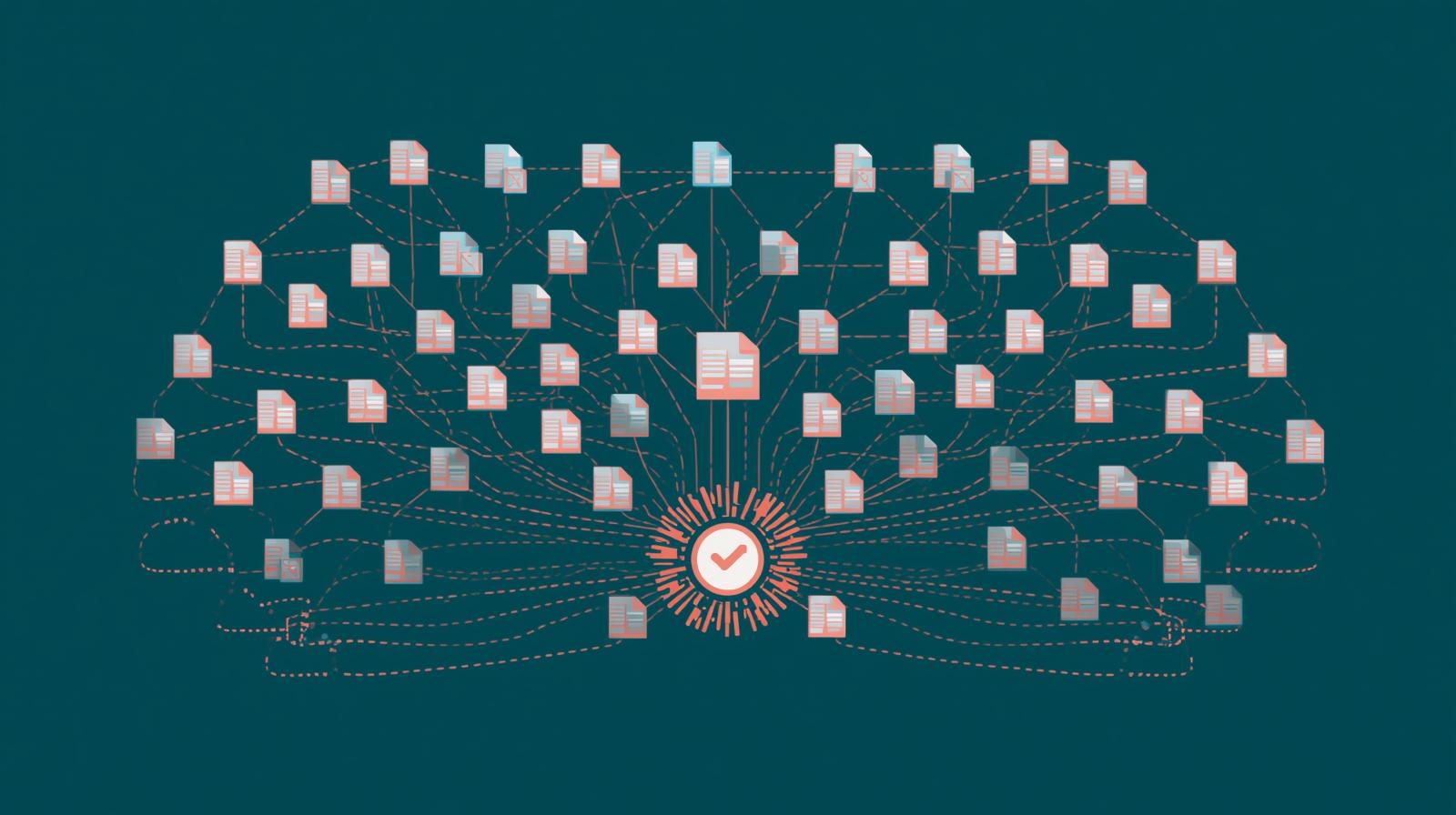
Imagine being able to upload your organization's policy handbook, the last five years of grant reports, your program operations guide, and your board meeting minutes into a single intelligent system that can then answer questions, generate summaries, create training materials, and help staff navigate complex information in seconds. That's what Google NotebookLM makes possible today, at no cost for basic use.
NotebookLM is a research and knowledge management tool built on Google's Gemini AI models. Unlike general-purpose AI chatbots, NotebookLM is specifically designed to help you work with your own documents. It doesn't pull from the internet or generate information from its general training data when answering questions. Instead, it draws exclusively from the sources you upload, which makes it far more reliable and trustworthy for organizational knowledge management.
This characteristic is particularly valuable for nonprofits. When a development associate asks "What did we report to the Roberts Family Foundation about our youth program outcomes in 2024?" the system answers from your actual grant report, not from a hallucinated summary. When a new program coordinator asks how the organization handles client data under HIPAA, NotebookLM draws from your actual data governance policy. The answers are grounded in your documents, your history, your organization.
This guide walks through what NotebookLM can do, how to structure an organizational knowledge system using it, specific workflows for different nonprofit functions, and the practical limitations and privacy considerations you need to understand before getting started.
What NotebookLM Actually Is (and Isn't)
NotebookLM launched publicly in 2023 and has been updated substantially through 2025 and into 2026. The current version runs on Google's Gemini models and includes a rich set of output formats that go well beyond simple question answering. Understanding what the tool can produce helps you plan how to use it most effectively.
Core Capabilities
- Upload up to 50 sources per notebook (PDFs, Google Docs, Word files, Google Sheets, websites, YouTube videos, audio files, and images)
- Ask questions and receive answers grounded only in your uploaded sources
- Generate study guides, briefing documents, FAQs, and timelines automatically
- Create audio overviews (AI podcast-style discussions of your content) in 80+ languages
- Generate mind maps, infographics, slide decks, quizzes, and flashcards from source material
- Deep Research mode can browse hundreds of web sources and produce multi-page reports that import directly into your notebook
- Share notebooks with collaborators and publish public versions for community access
Key Limitations to Understand
- Cannot browse the internet or access real-time information unless you upload it
- No built-in folder structure; organization requires naming conventions and a master index strategy
- Answers can still contain errors; always verify critical information against original sources
- Free tier has limits on notebook count and source size; NotebookLM Plus offers expanded capacity
- Sharing with mixed account types (personal vs. organization Google accounts) can require workarounds
One important distinction: NotebookLM is not a document management system. It doesn't replace Google Drive, SharePoint, or whatever system your organization uses to store files. Think of it as a powerful conversational layer that sits on top of your existing documents, making their contents searchable and queryable in ways that traditional search cannot match.
Notably, Google has made NotebookLM Plus available at no cost to eligible nonprofits, significantly lowering the access barrier for organizations that need expanded capacity. The free tier is genuinely useful for getting started and building familiarity before committing to a more comprehensive deployment.
Building Your Nonprofit's Organizational Brain: A Practical Architecture
The concept of an "organizational brain" refers to a structured knowledge system that captures your organization's collective intelligence in a form that's accessible, searchable, and useful for everyone on the team. NotebookLM enables this through multiple notebooks, each focused on a specific domain of knowledge, linked together through a master index notebook that serves as the entry point for the whole system.
The most effective organizational brain architectures we've seen for nonprofits use a hub-and-spoke model: a master index notebook that provides an overview and directs users to domain-specific notebooks. This avoids overwhelming a single notebook with too many sources while maintaining a coherent, navigable structure.
Recommended Notebook Architecture for Nonprofits
Start with high-priority areas and expand as you build confidence
Core Notebooks
- Master Index - Overview notebook with summaries and directions to all other notebooks
- Policies and Procedures - HR manual, financial policies, data governance, code of conduct
- Program Operations - Program guides, curriculum, service protocols, outcome frameworks
- Fundraising and Development - Grant history, donor profiles, case for support, past proposals
- Board and Governance - Bylaws, board minutes, committee reports, strategic plan
Expanded Notebooks
- Communications and Marketing - Brand guidelines, messaging frameworks, past campaigns, media coverage
- Staff Onboarding - Role-specific training materials, FAQs, first-week guides
- Volunteer Resources - Volunteer handbook, training materials, role descriptions
- Finance and Compliance - Budget documents, audit reports, 990s, grant financial requirements
- Research and Learning - Field research, best practice reports, sector publications
One practical naming convention that works well: prefix each notebook with a category code like POL for policies, PROG for programs, DEV for development, and BOARD for governance. This keeps notebooks organized alphabetically by function even without a folder structure. Adding a short description to the notebook title helps users understand its purpose without opening it.
Start small. Don't try to build the entire organizational brain at once. Pick one high-value area where staff currently struggle to find information, such as grant reporting requirements or onboarding materials, and build that notebook first. Demonstrate its usefulness, gather feedback, and then expand systematically. Organizations that try to implement everything simultaneously often abandon the project before it delivers value.
High-Value Use Cases for Nonprofit Functions
The following use cases represent the highest-impact applications of NotebookLM for nonprofit organizations. Each one addresses a genuine pain point that most organizations experience and can show meaningful results within days of implementation.
Staff and Volunteer Onboarding
Transform lengthy documents into interactive, self-directed learning
Onboarding is one of the most resource-intensive activities for nonprofit staff coordinators, and one of the most inconsistent. When onboarding relies on individual managers explaining the same information repeatedly, quality varies enormously depending on who's doing the training, how much time they have, and what they happen to remember. NotebookLM creates a consistent, always-available onboarding resource that new staff and volunteers can query directly.
Upload your staff handbook, role-specific training guides, the organizational history document, the program overview, and key policy summaries to an onboarding notebook. New team members can then ask specific questions like "What's the protocol for reporting a client safety concern?" or "How does the grant approval process work?" and receive immediate, accurate answers drawn directly from your actual documentation. The Audio Overview feature can even generate a podcast-style discussion of organizational culture and values, which new staff find far more engaging than reading a static document.
- Create role-specific onboarding notebooks so the program coordinator only sees program-relevant materials
- Generate quizzes automatically from your handbook content to verify comprehension
- Share notebooks directly with new hires before their first day using email invite
- Update source documents as policies change and the notebook automatically reflects new information
Grant Writing and Reporting
Surface historical context and program data from across multiple funding relationships
Grant writers often spend significant time hunting through previous proposals and reports to find language that worked, outcomes data that was reported, and commitments that were made. NotebookLM transforms this search process. Upload all past proposals, letters of inquiry, grant reports, and funder correspondence into a development notebook, and you can immediately surface relevant historical context.
Ask the notebook what language was used in the 2023 proposal to the XYZ Foundation to describe the program model. Ask what specific outcomes were reported to funders in the last three years. Ask which funders have funded the housing program and what their stated priorities were. The answers come directly from your actual documents, providing reliable historical context that doesn't require anyone to remember or manually search through filing cabinets.
This use case pairs particularly well with the broader knowledge management strategies explored in AI for nonprofit knowledge management. The goal is not to automate grant writing, but to dramatically reduce the time spent on historical research so writers can focus on strategy and quality.
- Upload all past proposals, reports, and funder correspondence organized by funder or by year
- Generate briefing documents that summarize your history with a specific funder before a meeting
- Use the FAQ generation feature to create a "frequently asked by funders" document from your reporting history
Institutional Memory Preservation
Protect organizational knowledge through leadership transitions
One of the most costly forms of organizational loss is when a long-tenured leader or senior staff member departs, taking years of institutional knowledge with them. As explored in depth in our article on knowledge capture during executive transitions, the damage from these knowledge gaps can take years to recover from. NotebookLM provides a practical mechanism for capturing and preserving this knowledge systematically.
Create a dedicated institutional memory notebook and upload board minutes from the past decade, strategic plans and their accompanying rationale documents, past annual reports, executive correspondence, and any documents that capture key organizational decisions and the reasoning behind them. This creates a queryable record of how the organization has evolved, what was tried, what worked, and why certain approaches were chosen or abandoned.
- Ask departing leaders to record "knowledge transfer" documents before they leave for upload into the system
- Create an audio overview of organizational history for new board members and incoming executive staff
- Build a decision history log so future leaders can understand the context for current organizational positions
Board Preparation and Governance
Help board members engage more deeply with organizational materials
Board members often receive substantial packets of materials before meetings and have limited time to engage with them deeply. NotebookLM's Audio Overview feature is particularly valuable here: it can generate a podcast-style conversation that covers the key points from a board packet, making it easy for board members to prepare during a commute or while exercising.
Create a board governance notebook containing bylaws, committee charters, the strategic plan, recent financial statements, and board meeting minutes. New board members can query this notebook to quickly get up to speed on governance history, understand how committees are structured, and review what the board has discussed and decided in recent years. This reduces the burden on the board chair and executive director to repeat the same orientation information for every new director.
- Generate Audio Overviews of board packets for convenient pre-meeting preparation
- Create FAQ documents that answer common new board member questions from existing governance materials
- Allow board members to query meeting minutes to track decisions on specific topics without reading all minutes manually
Program Research and Learning
Synthesize sector knowledge and evaluation literature for program design
Program staff often need to stay current with research, best practices, and sector literature, but don't have time to read extensively. NotebookLM can serve as a research synthesis tool: upload relevant reports, academic papers, and sector publications, and staff can query the system to surface relevant evidence for program design decisions, evaluation planning, or theory of change development.
A youth services organization might upload recent research on trauma-informed practice, outcome measurement frameworks from leading funders, and evaluation reports from similar organizations. Program staff can then ask specific questions: "What does the research say about the most effective trauma-informed classroom approaches for middle school students?" and receive synthesized answers from the uploaded literature, with citations pointing back to the specific sources.
- Upload evaluation reports, outcome studies, and sector publications relevant to your program model
- Generate mind maps from research papers to help staff quickly understand complex frameworks
- Create briefing papers for program leadership when considering model changes or expansions
Getting Started: A Practical First-Week Plan
The biggest barrier to implementing NotebookLM isn't technical. It's deciding where to start. Organizations that try to build everything at once rarely succeed. The following week-by-week approach gets you to demonstrable value quickly while building the foundations for a more comprehensive system.
1Day 1-2: Select Your First Notebook Topic
Choose one area where staff currently struggle to find information, or where onboarding takes significant management time. Staff handbook and policies is an excellent starting point for most organizations. Create a free NotebookLM account at notebooklm.google.com using your work Google account. If your organization uses Google Workspace for Nonprofits, check whether NotebookLM Plus is already available to you.
2Day 3-4: Upload Your Sources Thoughtfully
Gather your documents and upload them. NotebookLM accepts PDFs, Google Docs, Google Slides, text files, audio, video, and web links. For a policies notebook, upload your full staff handbook, any standalone policy documents (expense reimbursement, data security, social media), and your organizational chart. Quality of sources matters more than quantity: ensure documents are current and the text is properly formatted and readable. Scanned PDFs with poor text recognition will produce poor results.
3Day 5: Test Extensively Before Sharing
Before sharing the notebook with colleagues, ask it the kinds of questions staff actually ask. If the answers are accurate and well-sourced, you're ready to share. If you notice gaps or errors, check whether the relevant source documents were uploaded correctly and whether they contain the expected information. Document any known limitations so users have accurate expectations when they start using the system.
4Week 2: Share and Gather Feedback
Share the notebook with a small group of staff using the email invite feature and ask for structured feedback. What questions did it answer well? What questions did it struggle with? What information do they wish it had? Use this feedback to refine the notebook and identify what other source documents would make it more valuable. This iterative approach builds a system that actually serves users rather than one that looks complete on paper.
5Week 3 Onward: Build Additional Notebooks
Once the first notebook is working well, expand to other priority areas. Create a master index notebook that describes each domain notebook and helps users navigate to the right one. Establish a maintenance schedule: at minimum, review notebooks quarterly and update sources whenever major documents change. A notebook built on outdated policies is worse than no notebook, because it gives confident-sounding wrong answers.
Privacy, Security, and Data Governance Considerations
Before uploading documents to NotebookLM, nonprofit leaders need to make deliberate decisions about what information is appropriate to include. Not all organizational documents belong in an AI-enabled system, particularly one that may be shared across the organization.
Documents That Need Careful Consideration
- Any documents containing personally identifiable information about beneficiaries or clients
- Employee personnel files, performance reviews, or salary information
- Donor contact information or giving history tied to identifiable individuals
- Confidential funder communications or proprietary strategic information
- Health information or other data regulated under HIPAA or similar frameworks
Documents Well-Suited for NotebookLM
- Policy documents, procedures, and operational guidelines
- Program curricula, training materials, and service protocols
- Anonymized or aggregated outcome reports without individual identifying information
- Grant proposals and reports (with funder-sensitive content reviewed)
- Board minutes and governance documents without confidential executive session notes
Google's privacy documentation states that content uploaded to NotebookLM is not used to train AI models without user permission, and that notebook contents are private by default. However, nonprofit leaders should review Google's current terms of service and privacy policy directly, and consult with their legal or IT advisors about any data that may be subject to specific compliance requirements. Your organization's AI policy, updated to address third-party AI tools, should specify what categories of documents may be uploaded and what review is required.
The most important step for most nonprofits is to apply for Google for Nonprofits if you haven't already. Google announced in June 2025 that nonprofits enrolled in Google for Nonprofits receive NotebookLM Plus at no cost as part of Google Workspace for Nonprofits, and that this tier carries enterprise-grade data protections including no human review of your content and no use of your data to train AI models. This is a meaningful distinction from the free consumer tier. Apply at google.com/nonprofits. If your organization handles HIPAA-protected health information or personally identifiable beneficiary data under strict compliance requirements, consult with your legal or IT advisors about whether even the Workspace tier meets your specific obligations before uploading sensitive materials.
How NotebookLM Compares to Other Knowledge Management Approaches
NotebookLM occupies a specific niche in the knowledge management landscape. Understanding what it does better and worse than alternatives helps you decide where it fits in your organization's tool stack.
NotebookLM vs. Custom GPTs
OpenAI's Custom GPTs allow similar document-grounded Q&A functionality, but require a ChatGPT Plus or Team subscription and have less generous source limits in their current form. NotebookLM's free tier, generous source capacity, and richer output formats (audio, mind maps, infographics) give it an advantage for most nonprofit use cases. However, Custom GPTs can be more easily integrated with other OpenAI tools and may suit organizations already deep in the OpenAI ecosystem.
NotebookLM vs. Traditional Document Management (SharePoint, Google Drive)
SharePoint and Google Drive are document storage and collaboration systems. They're excellent at organizing, versioning, and providing access control for documents. NotebookLM doesn't replace them: it sits on top of them. Upload your Drive or SharePoint documents to NotebookLM to add an AI-powered conversational interface on top of your existing storage system. The two tools serve complementary functions.
NotebookLM vs. Wiki and Intranet Tools (Notion, Confluence)
Wiki tools like Notion or Confluence require significant ongoing human curation: someone needs to write, organize, and maintain the wiki content. NotebookLM requires much less curation because it works directly from existing documents. The trade-off is that wikis can be more intentionally structured and navigable, while NotebookLM is better at deep synthesis from large document sets. Many organizations use both: wikis for curated, frequently referenced information and NotebookLM for deeper research into historical documents. The connection to broader knowledge management strategy is essential here.
NotebookLM vs. RAG Systems
Retrieval-Augmented Generation (RAG) systems, as explored in the guide to RAG for nonprofits, offer more sophisticated and customizable document grounding. They require more technical setup but offer greater control over how documents are indexed and retrieved. NotebookLM is essentially a user-friendly, hosted RAG system with no technical setup required. Organizations with technical staff wanting more control should explore full RAG implementations; those who need a working system quickly with minimal technical lift should start with NotebookLM.
From Filing Cabinet to Living Knowledge System
The documents sitting in your organization's Google Drive or filing system represent years of collective intelligence, hard-won lessons, carefully designed programs, and institutional relationships. Most of that knowledge is practically inaccessible to most of your staff most of the time. It's buried in PDFs that nobody searches, in folders that aren't organized consistently, or in the heads of people who may not be with the organization next year.
NotebookLM offers a way to unlock that knowledge without requiring significant investment in technical infrastructure or customized development. For a tool that is free at the basic tier and available as NotebookLM Plus to eligible nonprofits at no cost, the return on the modest time investment required to set it up is exceptional. A single staff member spending a day organizing and uploading documents to a well-structured notebook system can provide ongoing value to the entire organization for years.
The organizations that will benefit most from NotebookLM are those that approach it not as a technology project but as a knowledge governance initiative: deliberately deciding what knowledge the organization needs to preserve, who needs access to it, and how to keep it current. Technology is the enabler; intentional information stewardship is the practice. Used thoughtfully, NotebookLM can become one of the most valuable tools your organization deploys this year.
Ready to Build Your Organizational Knowledge System?
One Hundred Nights helps nonprofits design and implement knowledge management systems that preserve institutional memory and improve organizational performance. Let's build something lasting together.