
AI Burnout: When Tools Meant to Help Create More Work Instead
A Forbes report found that digital exhaustion has jumped to 84% among workers, and workloads feel unmanageable for 77%—despite 70% using AI weekly. For nonprofits already struggling with staff burnout, AI tools can paradoxically make things worse when implemented without attention to how they change work patterns, expectations, and cognitive demands.
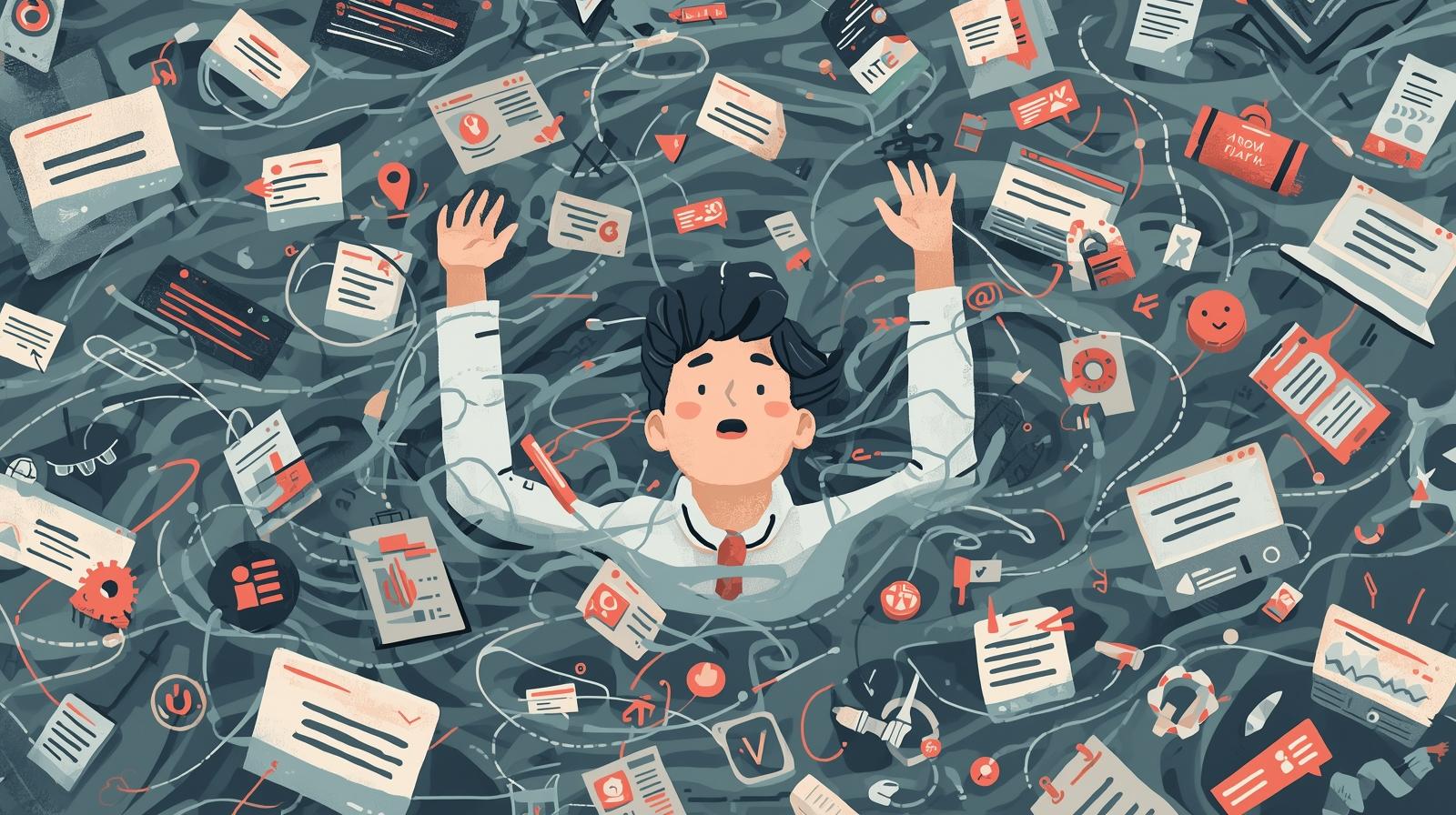
The promise of AI in the nonprofit sector is compelling: automate routine tasks, free up staff for relationship-building, and accomplish more with limited resources. Yet for many organizations, the reality has been more complicated. Staff who were already stretched thin now face learning curves for new tools, rising expectations about output volume, and the cognitive load of managing an ever-expanding technology stack.
According to Quantum Workplace, employees who consider themselves frequent AI users report higher levels of burnout (45%) compared to those who use AI infrequently (38%) or never (35%). A Resume Now survey found that 61% of workers believe using AI at work increases their risk of burnout—a figure that climbs to 87% among workers under 25. These numbers challenge the narrative that AI automatically reduces workload and improves work-life balance.
This article explores how AI tools can inadvertently create more work for nonprofit staff, the warning signs that technology is adding rather than reducing burden, and practical strategies for ensuring your AI investments actually deliver on their promise of reduced workload and increased capacity. Nearly 90% of nonprofit leaders say burnout is impacting their staff, so getting this right matters not just for productivity but for organizational sustainability.
For related guidance on supporting staff through technology change, see our articles on overcoming staff resistance to AI and using AI to address the nonprofit burnout crisis. If you're concerned about AI implementations that aren't working, our guide to recognizing and reversing failed implementations offers a complementary perspective.
The AI Burnout Paradox
The very AI tools pitched as "productivity boosters" are making many knowledge workers feel more overworked and burnt out. Understanding why this happens is the first step toward preventing it in your organization.
Rising Expectations Without Additional Capacity
When AI tools make certain tasks faster, organizations often respond by expecting more output rather than giving staff the reclaimed time. A fundraiser who can now draft appeal letters in half the time might be expected to double their output rather than use the freed time for donor cultivation calls. The efficiency gain disappears into higher expectations.
This dynamic is particularly acute at nonprofits where there's always more need than resources. The temptation to fill any newly available capacity with additional work can undermine the wellbeing benefits that AI was supposed to provide.
Cognitive Overload from Tool Sprawl
Research shows that 90% of nonprofits use three or more third-party systems beyond their CRM, and 79% use five or more. Each new AI tool adds another interface to learn, another login to manage, another workflow to remember. This constant context-switching—moving between email, your CRM, your AI writing tool, your project management system, and back again—creates cognitive fragmentation that depletes mental energy even when individual tasks become easier.
Microsoft's 2025 Work Trend Index reports a 42% rise in "digital exhaustion," pointing to tool sprawl and unclear workflows as main contributors. Fewer logins and cleaner workflows would mean less context switching, less tool fatigue, and more time to focus on mission work.
The "Workslop" Problem
AI makes it easy to generate content that appears polished but lacks real substance. Harvard Business Review has called this "workslop"—content that offloads cognitive labor onto coworkers who must now read, review, and respond to higher volumes of lower-quality material. When everyone can generate more documents, emails, and reports, everyone must also process more documents, emails, and reports.
In nonprofit contexts, this might manifest as longer grant reports (because they're easier to write), more frequent donor communications (because they're faster to draft), or more elaborate meeting agendas (because formatting is now trivial). The cumulative effect can overwhelm recipients even as it appears to help senders.
Role Clarity Erosion
Gallup research identifies lack of role clarity as one of the top five causes of burnout, and AI is deepening this confusion. When AI can help anyone do tasks that previously required specialized skills, boundaries blur. Should program staff now handle their own data analysis since AI makes it easier? Should development officers write their own marketing copy? The answer depends on context, but without intentional discussion, staff may feel pressure to expand their responsibilities without corresponding support.
Additionally, a SurveyMonkey Workforce Survey found that 24% of workers expressed concern that AI might take their jobs. This job insecurity compounds the stress of learning new tools and adapting to new workflows.
Warning Signs That AI Is Adding Rather Than Reducing Work
Recognizing the symptoms of AI-induced burnout early allows you to adjust course before staff become overwhelmed or disillusioned with technology altogether. Watch for these indicators across your team.
Time Savings Aren't Materializing
Staff report that AI tools are helpful for specific tasks but their overall workload hasn't decreased—or has actually increased. The promised efficiency gains are being absorbed by new responsibilities, quality control requirements, or the overhead of managing the tools themselves.
- "I can write emails faster, but now I'm expected to send more of them"
- "The AI draft saves time, but editing it takes almost as long as writing from scratch"
- "I spend more time learning tools than doing my actual job"
Constant Context Switching
Staff bounce between multiple tools throughout the day, rarely achieving focused work. Each switch carries a cognitive cost, and the cumulative effect is fragmented attention and mental fatigue even when individual tasks aren't demanding.
- Multiple browser tabs for different AI tools always open
- Difficulty remembering which tool does what or where to find information
- Staff maintaining personal spreadsheets to track what's in which system
Quality Control Burdens
AI-generated content requires review, but the time spent checking, correcting, and approving AI outputs can exceed the time saved by generating them. Managers become bottlenecks reviewing AI-assisted work, or quality suffers when review is skipped.
- Managers spending more time reviewing AI-generated work than traditional work
- Errors in AI outputs causing rework or embarrassing mistakes
- Staff uncertain about when AI output is reliable enough to use directly
Relationship Work Being Crowded Out
The time AI was supposed to free up for human connection—donor calls, volunteer appreciation, beneficiary relationships—isn't materializing. Instead, staff feel pressure to use productivity gains for more administrative output.
- Donor cultivation calls still not happening despite communication efficiency gains
- Staff spending more time at screens, less time with people
- The work feels less meaningful even though more is getting done
The Measurement Challenge
One reason AI burnout persists is that organizations measure tool adoption and task completion but not staff wellbeing or true productivity. High usage of AI tools looks like success even when staff are struggling. Consider adding wellbeing indicators to your AI evaluation: employee satisfaction surveys, turnover rates, sick leave patterns, and qualitative feedback about workload sustainability. For guidance on measuring AI's real impact, see our article on measuring AI success beyond ROI.
Why Well-Intentioned AI Implementations Go Wrong
Most nonprofit leaders don't intend to increase staff burden with AI tools. These unintended consequences typically result from predictable organizational dynamics that can be addressed with awareness and intentional management.
Additive Rather Than Substitutive Implementation
AI tools are often added to workflows without removing or reducing other responsibilities. Staff now have their original workload plus new tools to learn and manage. Even when the tools help with specific tasks, the net effect is more complexity rather than less work.
Effective AI implementation requires explicitly deciding what staff should stop doing, do less of, or delegate to AI entirely. Without these subtractive decisions, AI becomes another layer of obligation rather than a replacement for existing burden.
Training Treated as One-Time Event
Organizations often provide initial training when AI tools are introduced, then expect staff to figure out the rest on their own. But learning to use AI effectively is an ongoing process, not a one-time event. Staff need refresher sessions, opportunities to share tips with colleagues, and ongoing support as tools evolve and use cases expand.
Research indicates that training is often an afterthought, with staff lacking time to learn and responsibility for onboarding falling to internal team members who are already stretched thin. The result is inconsistent usage, low adoption rates, and tools that never realize their full potential—or worse, tools that create frustration and extra work for unsupported staff.
Underestimating Change Saturation
Nonprofits often face an abundance of changes with limited capacity to absorb them all. Adding AI tools to an organization already managing strategic initiatives, funding transitions, or staffing changes can push staff past their capacity for adaptation. Each change requires cognitive and emotional energy, and AI adoption is rarely the only change happening.
By allowing adequate time for learning, experimentation, and gradual implementation, organizations can increase adoption rates and mitigate resistance. Rushing through the adoption process often leads to overwhelmed staff and diminished morale—exactly the outcomes AI was supposed to prevent.
Invisible Workload Shifts
AI can shift work in ways that aren't immediately visible. A tool that makes grant writing faster might increase the workload on finance staff who must now provide more detailed budget breakdowns. A tool that enables personalized donor communications might create more work for database managers maintaining the underlying data. These downstream effects are easy to miss when evaluating AI tools' impact.
Similarly, the mental work of deciding when to use AI, evaluating AI outputs, and integrating AI into existing workflows is real labor that doesn't show up on task lists or time sheets. This invisible cognitive load accumulates and contributes to exhaustion even when measurable productivity appears to improve.
Strategies for Ensuring AI Reduces Rather Than Increases Workload
Research from the World Economic Forum indicates that employees who use AI to reduce routine tasks report higher job satisfaction and significantly lower stress. The key is intentional implementation that prioritizes workload reduction over output maximization.
Make Explicit "Stop Doing" Decisions
Subtractive implementation requires intentional choices
For every AI capability you add, explicitly identify what staff should stop doing, do less of, or delegate entirely to AI. This isn't automatic—it requires leadership decisions and communication. Without these subtractive choices, AI becomes additive burden rather than replacement capacity.
- If AI drafts first versions of donor acknowledgments, eliminate the previous template customization step
- If AI summarizes meeting notes, reduce or eliminate manual minute-taking responsibilities
- If AI handles routine donor inquiries, reassign the staff member who previously managed those
- Document these decisions so staff have clarity about changed expectations
Protect Reclaimed Time
Resist the temptation to fill every efficiency gain
When AI saves time, organizations face a choice: use the saved time for more administrative output, or protect it for high-value human work like relationship building, strategic thinking, and rest. The default is usually more output; protecting time requires conscious intervention.
- Set explicit expectations that efficiency gains go toward donor calls, not more emails
- Block calendar time for relationship work that might otherwise be consumed by administrative tasks
- Resist pressure to increase output targets just because AI makes things faster
- Celebrate when staff use time savings for meaningful work rather than just more work
Consolidate Rather Than Accumulate Tools
Fewer tools, better used, means less cognitive overhead
Each new tool adds cognitive overhead: another interface to learn, another login to manage, another potential point of failure. Before adding a new AI tool, consider whether existing tools could handle the use case or whether consolidation might be more valuable than addition.
- Audit current tools before adopting new ones—are existing capabilities underutilized?
- Prefer platforms that integrate multiple AI capabilities over single-purpose tools
- Retire tools that new AI capabilities make redundant
- Count tool reduction as a success metric alongside capability addition
For guidance on connecting existing systems rather than adding new ones, see our article on API integration for nonprofits.
Build Continuous Learning Culture
Ongoing support beats one-time training
Instead of treating training as a one-time event, build a continuous learning approach that includes refresher sessions, knowledge sharing, and user feedback loops. When staff feel supported and confident, adoption accelerates naturally and frustration decreases.
- Schedule regular "AI tips and tricks" sessions where staff share what's working
- Designate AI champions who can provide peer support
- Create safe spaces for staff to ask questions without judgment
- Allocate explicit time for learning rather than expecting staff to figure things out in spare moments
For guidance on training approaches, see our article on building AI literacy from scratch.
Monitor Wellbeing Alongside Productivity
Success isn't just output—it's sustainable output
Include staff wellbeing indicators in your AI evaluation framework. High tool usage and increased output don't constitute success if staff are burning out. Sustainable productivity requires attention to the human side of technology adoption.
- Survey staff regularly about workload sustainability, not just tool satisfaction
- Watch for burnout indicators: turnover, sick leave patterns, engagement scores
- Ask explicitly whether AI tools are reducing or adding to workload
- Be willing to roll back or adjust implementations that aren't working for staff
Reframing AI: From Productivity Tool to Capacity Restoration
The most progressive organizations are reframing AI from a productivity tool to a capacity restoration system. This mindset shift has profound implications for how AI is implemented and evaluated.
When AI is framed as a productivity tool, success means more output. But when AI is framed as a capacity restoration system, success means staff have more energy for high-value work, better work-life balance, and sustainable workloads. The technology might be the same, but the organizational expectations and implementation approaches differ significantly.
This reframing requires leadership commitment to prioritizing staff wellbeing alongside mission impact. It means accepting that some efficiency gains will go toward rest and sustainability rather than additional output. It means recognizing that burned-out staff ultimately serve the mission less effectively than sustainable workloads do.
By recognizing the emotional and psychological aspects of technology adoption, organizations can address resistance and foster a culture of openness and innovation. Prioritizing human engagement and investing in comprehensive support create an environment where individuals feel empowered to embrace new technologies—and where technology actually delivers on its promise of reduced burden.
Conclusion
AI tools have genuine potential to reduce workload for nonprofit staff, but that potential isn't realized automatically. Without intentional attention to how AI changes work patterns, expectations, and cognitive demands, the very tools meant to help can become another source of stress and exhaustion.
The organizations that successfully use AI to support staff wellbeing share common characteristics: they make explicit decisions about what to stop doing when AI takes on new capabilities, they protect reclaimed time rather than filling it with more tasks, they consolidate rather than accumulate tools, they invest in ongoing learning and support, and they measure staff wellbeing alongside productivity.
Nearly 90% of nonprofit leaders say burnout is impacting their staff. AI can be part of the solution—but only if implemented with attention to the human side of technology adoption. The goal isn't to do more with AI; it's to do what matters most, more sustainably, with AI as a genuine support rather than another burden.
Ready to Implement AI That Actually Reduces Workload?
We help nonprofits implement AI in ways that genuinely support staff wellbeing, not just boost output metrics. Let's design an approach that works for your team.