
10 Free AI Tools to Supercharge Your Small Nonprofit
Budget constraints shouldn't limit your impact. These powerful free AI tools help small nonprofits automate tasks, create professional content, and work more efficiently—without spending a single dollar on software licenses.
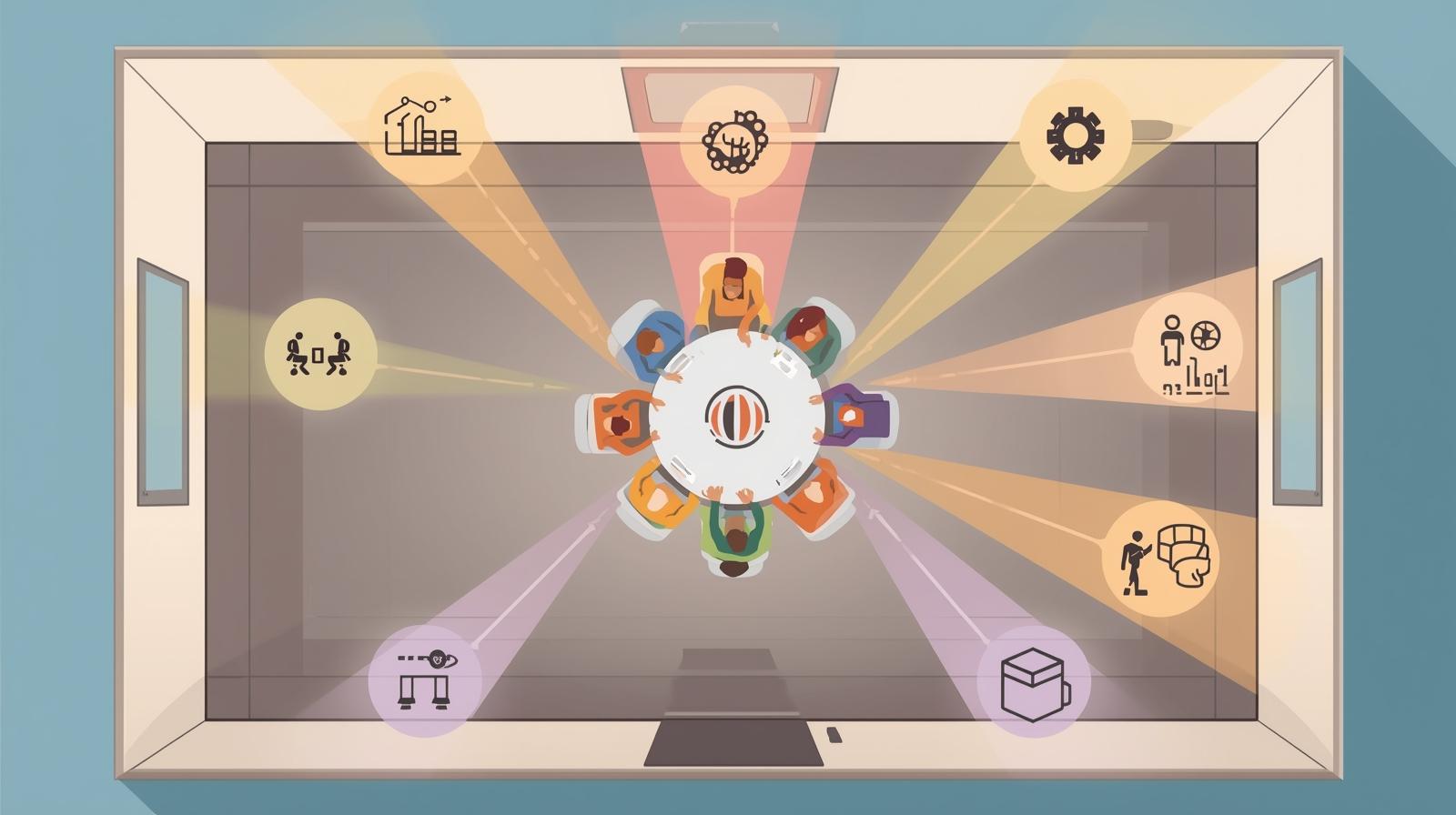
Running a small nonprofit means wearing many hats with limited resources. You're writing grant proposals, managing donors, creating social media content, scheduling volunteers, and tracking program outcomes—often with a team of just a few people or even solo. The good news? AI tools have democratized access to capabilities that were once only available to well-funded organizations with dedicated tech teams.
The tools in this guide aren't stripped-down trial versions or bait-and-switch "free" tiers that force upgrades. Each one offers genuinely useful free functionality that can transform how your nonprofit operates. Many were specifically designed with nonprofits in mind, and several offer enhanced free access for 501(c)(3) organizations.
Whether you're looking to get started with AI or expand your existing toolkit, these ten free tools cover the core needs of small nonprofit operations: content creation, design, meetings, research, automation, data management, and communication.
What "Free" Really Means
Every tool on this list offers meaningful free access—not just a 7-day trial. Some have usage limits on free tiers, others offer full features for verified nonprofits, and a few are completely free with optional paid upgrades. We've noted the specifics for each tool so you know exactly what you're getting.
1. Canva Magic Studio
Design & Visual Content
Canva Magic Studio transforms anyone into a designer with AI-powered tools that generate full designs from text prompts, edit images professionally, and ensure brand consistency across all your materials. For nonprofits, this means creating professional fundraising campaigns, social media graphics, and event materials without hiring a designer.
🎉 Nonprofit Benefit
100% FREE for verified 501(c)(3) nonprofits through Canva for Nonprofits—up to 50 users with full access to 420,000+ templates and 75M stock assets.
Key Free Features:
- Magic Design generates complete designs from text descriptions
- Background remover for professional headshots and product images
- Magic Write AI copywriting for social captions and marketing text
- Brand Kit to maintain visual consistency across all materials
Best for: Social media graphics, event flyers, annual reports, presentation decks, email headers, infographics, volunteer recruitment materials
2. ChatGPT
Content Creation & Writing
ChatGPT is a versatile AI assistant for drafting communications, brainstorming campaigns, creating volunteer training materials, and strategy development. For small nonprofits, it's like having a writing assistant available 24/7 to help with everything from grant narratives to donor thank-you emails.
💡 Free Tier Details
The free tier provides access to GPT-4o mini with generous daily limits—more than enough for most small nonprofit needs. Paid tiers ($20/month) unlock GPT-4o and additional features.
Key Free Features:
- Draft donor communications, newsletters, and appeal letters
- Brainstorm campaign ideas and program strategies
- Create volunteer training guides and onboarding materials
- Summarize long documents and research reports
Best for: Grant writing assistance, donor communications, social media content, meeting prep, grant writing, volunteer resources
3. Fathom
Meeting Transcription & Summaries
Fathom is a free AI meeting assistant that records, transcribes, and summarizes Zoom, Google Meet, and Teams calls—saving your team 6+ hours weekly on follow-ups. For nonprofits juggling board meetings, donor calls, and volunteer coordination, Fathom ensures nothing gets lost.
🎉 Completely Free
Fathom's core features are unlimited and free forever—unlimited recordings, transcriptions, and AI summaries. Premium at $20/month adds team features and CRM integrations.
Key Free Features:
- Unlimited meeting recordings and transcriptions
- AI-generated summaries with action items automatically extracted
- Highlight and clip key moments from calls
- Searchable meeting archives
Best for: Board meetings, donor calls, staff check-ins, volunteer orientations, partner meetings, maximizing meeting ROI
4. Claude
Long-Form Analysis & Strategy
Claude excels at analyzing lengthy reports, creating detailed program documentation, and strategic planning. Its long context window means you can upload entire grant guidelines, annual reports, or policy documents for comprehensive analysis—something particularly valuable for grant applications and strategic planning.
💡 Free Tier Details
Free tier provides daily message limits with Claude 3.5 Sonnet. Pro at $20/month offers significantly higher limits and priority access.
Key Free Features:
- Analyze lengthy documents like grant RFPs and funder guidelines
- Create detailed program documentation and logic models
- Strategic planning assistance with thorough analysis
- Summarize research and synthesize complex information
Best for: Grant proposal analysis, strategic planning, policy review, program design, board report preparation, research synthesis
5. Airtable
No-Code Database & Automation
Airtable is a no-code database platform with relational data, automations, and AI-powered app building. For small nonprofits, it replaces scattered spreadsheets with a unified system for tracking donors, volunteers, grants, events, and program participants—all with powerful AI features built in.
🎉 Nonprofit Benefit
Free tier includes unlimited bases with 1,000 records each. Nonprofits get 50% off paid plans, making the Team plan just $12/user/month.
Key Free Features:
- Create custom databases for donors, volunteers, programs, and events
- Build automated workflows without coding
- AI-powered formula suggestions and data organization
- Pre-built nonprofit templates for common use cases
Best for: Donor tracking, volunteer management, grant deadline tracking, event planning, program participant databases, no-code solutions
6. Tally
Forms & Surveys
Tally is a free form builder with unlimited forms and submissions—a rarity in the form software space. Create powerful surveys, volunteer applications, event registrations, and feedback forms with conditional logic, file uploads, and even payment processing, all completely free.
🎉 Completely Free
Unlimited forms and unlimited submissions on the free tier—no catches. Pro at €21/month adds custom domains, team collaboration, and removes Tally branding. Nonprofits get 30% off Pro.
Key Free Features:
- Unlimited forms with unlimited responses
- Conditional logic for personalized form experiences
- File uploads and signature collection
- Payment collection via Stripe integration
Best for: Volunteer applications, event registrations, donor surveys, program intake forms, feedback collection, donation forms
7. Perplexity AI
Research & Cited Answers
Perplexity AI is an AI-powered search engine delivering real-time, cited answers to complex questions—transforming hours of research into minutes. For nonprofits working on grant proposals, policy analysis, and program design, Perplexity provides credible, sourced information instantly.
🎉 Nonprofit Benefit
Free tier offers unlimited basic searches. Pro at $20/month adds advanced AI models. Nonprofits can request 50% off through their Enterprise Pro program.
Key Free Features:
- Real-time research with cited sources
- Follow-up questions for deeper exploration
- Academic and news source integration
- Shareable research threads
Best for: Grant background research, policy analysis, competitive landscape research, funding trend identification, program best practices
8. Make
Workflow Automation
Make (formerly Integromat) is a visual automation platform connecting 3,000+ apps with drag-and-drop workflows. Build complex multi-step automations without code—like automatically adding new donors from forms to your CRM, sending personalized thank-you emails, and logging the interaction in a spreadsheet.
💡 Free Tier Details
Free tier includes 1,000 operations/month—enough for automating key workflows. Paid plans start at $9/month for 10,000 operations.
Key Free Features:
- 1,000 operations per month
- Visual workflow builder with drag-and-drop interface
- 3,000+ app integrations including CRMs, email, and forms
- Pre-built templates for common nonprofit workflows
Best for: Donor onboarding automation, thank-you workflows, form-to-CRM sync, event follow-ups, automating repetitive tasks
9. Adobe Firefly
AI Image Generation
Adobe Firefly creates professional images from text descriptions with built-in copyright protection—critical for nonprofit marketing where legal compliance matters. Generate custom imagery for campaigns, social posts, and reports without worrying about licensing issues.
🎉 Nonprofit Benefit
FREE for 501(c)(3) nonprofits through Adobe Express Premium—includes 50 user seats and 250 generative credits/month. Apply through TechSoup or Adobe's nonprofit program.
Key Free Features:
- Text-to-image generation for custom graphics
- Commercially safe images with copyright indemnification
- Generative fill and expand for image editing
- Integration with Adobe Express and Photoshop
Best for: Campaign imagery, social media graphics, report illustrations, marketing materials, presentation visuals
10. AppSheet
No-Code App Builder
AppSheet is Google's no-code app builder that turns spreadsheets into powerful mobile and web apps. Perfect for field service, inventory tracking, volunteer coordination, and data collection—without writing a single line of code.
🎉 Nonprofit Benefit
FREE with Google Workspace for Nonprofits (which is itself free for eligible 501(c)(3) organizations). Build unlimited apps on top of your existing Google Sheets data.
Key Free Features:
- Build mobile and web apps from Google Sheets
- Offline functionality for field work
- GPS tracking and photo capture for site visits
- Automated workflows and notifications
Best for: Field data collection, volunteer check-in apps, inventory management, site inspection tracking, custom app building
Getting Started: A Practical Approach
With ten powerful tools to choose from, it's tempting to try everything at once. Resist that urge. The most successful AI adoption happens incrementally, building comfort and competence before expanding.
Week 1-2: Pick Your First Tool
Start with the tool that addresses your biggest pain point. If you're drowning in meeting follow-ups, start with Fathom. If design is your bottleneck, apply for Canva for Nonprofits. If you need research support, try Perplexity. One tool, used consistently, will deliver more value than five tools used sporadically.
Month 1: Build One Workflow
Once you're comfortable with your first tool, build it into a consistent workflow. For example: every board meeting gets recorded with Fathom, summarized, and the summary shared within 24 hours. This creates a habit and demonstrates clear value.
Month 2-3: Add Complementary Tools
After mastering one tool, add a second that complements it. Fathom + ChatGPT works well together (transcribe meetings, then use ChatGPT to turn notes into action items). Canva + Adobe Firefly creates a complete design workflow. Airtable + Make automates your data management.
Recommended Starting Points by Role
- Executive Directors: ChatGPT (communications) + Fathom (meetings)
- Development Staff: Airtable (donor tracking) + Make (automation)
- Program Managers: AppSheet (field apps) + Claude (documentation)
- Communications: Canva (design) + ChatGPT (content)
- Operations: Tally (forms) + Make (workflows)
Making Free Work for Your Mission
These ten tools represent a fundamental shift in what's possible for small nonprofits. Capabilities that once required expensive software subscriptions or dedicated staff are now available at no cost. But the real value comes not from the tools themselves, but from how you apply them to your unique challenges.
Start small, build systematically, and focus on solving real problems rather than chasing shiny features. A free tool used consistently and strategically will always outperform an expensive tool that sits unused. For more guidance on starting AI projects on a limited budget, explore our other resources.
Remember: the goal isn't to adopt every tool, but to find the right combination that amplifies your team's capabilities and advances your mission. With these free resources, budget constraints no longer have to limit your impact.
Need Help Choosing the Right Tools?
Every nonprofit is different. We can help you identify which free tools will deliver the biggest impact for your specific situation, and create an implementation roadmap that sets you up for success.